Tools
Philly Streetz 2 Controls Cheatsheet
Keep this table open while your hands learn Philly Streetz 2 muscle memory.
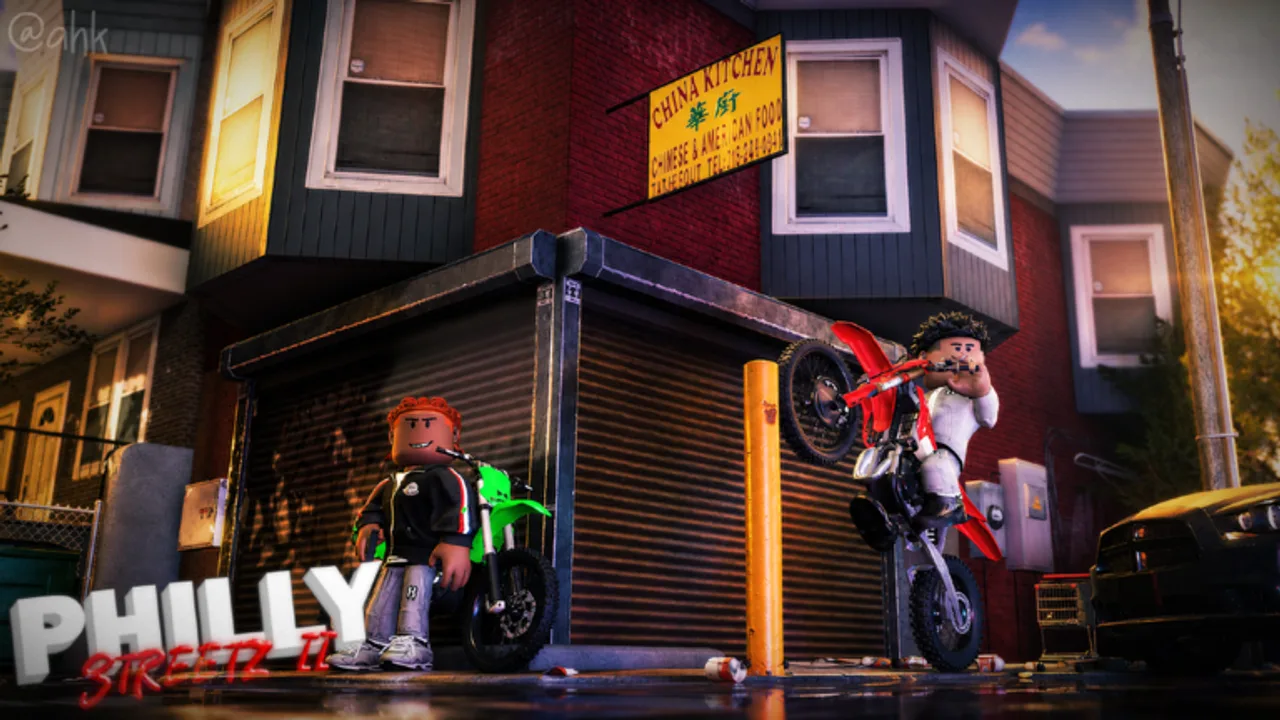
Use this controls cheatsheet as a live reference. For explanations and training order, read the full controls guide.
PC vs console
| Action | PC | Console |
|---|---|---|
| Use tool / shoot | Left click | R2 |
| Sprint | Shift | L2 |
| Emote | M | D-Pad Up |
| Hang on cars | T | D-Pad Up |
| Crouch | C | D-Pad Down |
| Chamber tools | F | B |
| Wheelie / stick tricks | T / context | Left stick |
60-second warm-up
- Sprint between two sidewalks.
- Crouch-peek a corner.
- Equip tool → chamber → dry aim.
- Hang on a parked car once.
- Start a real route from make money.
When inputs feel wrong
- Confirm you are not in a menu.
- Re-chamber.
- Check FPS via reduce lag.
- Reread how to play if you are still in onboarding UI.
Related
Weapons and combat, Loot and hustles, Tools hub, Guides hub.
FAQ
Frequently Asked Questions
Quick answers to the most common Philly Streetz 2 questions.
Can I remap controls?
Roblox and device layers may allow remaps, but learn defaults first so guides stay accurate.
Why does D-Pad Up do two things?
Context-sensitive prompts share directions — emote menus and hang interactions differ by proximity.
Is mobile supported the same way?
Touch layouts vary. Use on-screen buttons and treat this chart as PC/console primary.
Where is the deep-dive?
See the Controls guide under Guides for habits and training order.