Philly Streetz 2 Controls (PC & Console)
Every core binding explained so movement, tools, and vehicles feel natural.
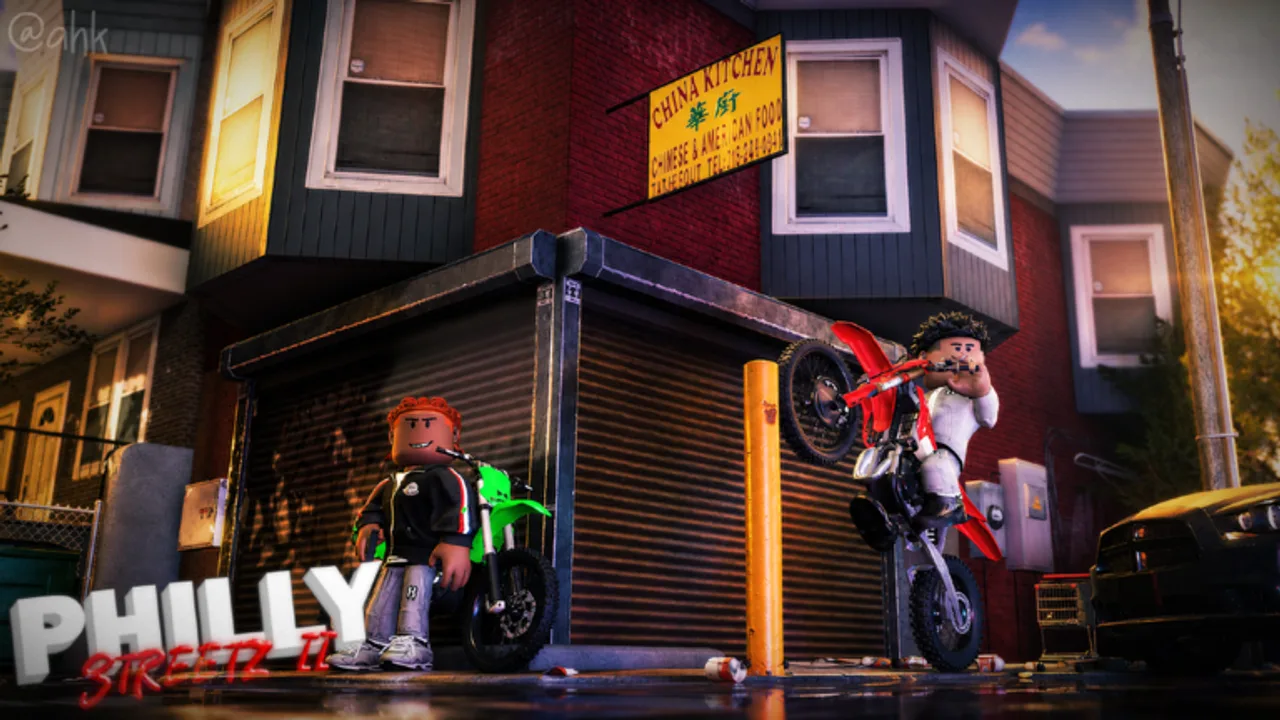
Mastering Philly Streetz 2 controls is the difference between escaping a bad block and dropping your entire stash. The game supports mouse/keyboard and console pads. This page expands the official prompt list into practical habits, then points you to a printable-style controls cheatsheet.
Official core bindings
From the current Roblox description:
| Action | PC / Keyboard | Console |
|---|---|---|
| Use tool / shoot | Left click | R2 |
| Sprint | Shift | L2 |
| Emote | M | D-Pad Up (context — see emotes) |
| Hang on cars | T | D-Pad Up (same button; context picks hang vs emote) |
| Crouch | C | D-Pad Down |
| Chamber tools | F | B |
| Wheelie | T / context | Left stick tricks |
Bindings can shift slightly with updates — re-check updates if a patch notes control changes.
Emote vs hang-on-car (console critical)
Console players share D-Pad Up between emotes and hang-on-car. Near a valid vehicle the game prioritizes mounting; standing clear of cars opens the emote wheel. Accidental inputs cause missed escapes or unintended dances mid-block — read the full emotes guide for RP timing, fight etiquette, and why you should never emote during gunfights.
PC keeps these separate: M emotes, T hang. Mixed PC/console crews should call out which action they are taking.
Movement fundamentals
Sprint stamina awareness — hold sprint for rotations between loot spots, but release before precision gunfights so you can strafe cleanly.
Crouch for angles — crouch reduces profile in windows and helps when clearing interiors described in loot and hustles.
Hang-on-car tech — hanging is both style and escape. Practice mounting from sidewalks without eating vehicle collision. Pair with vehicle choices from the vehicles tier list.
Tool and combat inputs
Chambering matters on realistic firearm-style tools. If shots feel dead, hit chamber before blaming lag. Full fight theory lives in weapons and combat, while relative gun strength is ranked on weapons tiers.
Console-specific advice
- Remap only after you can muscle-memory the defaults for one full session.
- If input delay spikes, follow reduce lag before buying new hardware.
- Keep the cheatsheet tool open on a phone while you learn.
Learning order for new players
- Sprint + crouch in a quiet street.
- Tool equip, chamber, and hip-fire on empty lots.
- Hang-on-car on friendly vehicles.
- Wheelie practice away from traffic.
- Live fire only after you can bank loot via crib storage.
Tips video
The embedded tips video reinforces movement habits visually. Use it mid-session, then return to how to play for goals and make money for why movement matters on cash routes.
Related pages
Guides hub, Emotes, Items, Map, and Scripts (only if you already understand fair controls — scripts will not teach fundamentals).
Frequently Asked Questions
Quick answers to the most common Philly Streetz 2 questions.
What button shoots in Philly Streetz 2 on console?
R2 uses the equipped tool / shoots. On PC, use left click.
How do I hang on cars?
Press T on keyboard or D-Pad Up on console near a valid vehicle interaction.
Why does my gun not fire?
Try chambering with F (PC) or B (console), confirm ammo, and check you are not in a restricted state.
Where is a quick controls table?
Open the Controls Cheatsheet under Tools for a compact PC vs console reference.